How to Proofread With AI Without Uploading Your Writing
Most authors now run at least some of their writing through an AI tool: a quick grammar pass on a query letter, a cleanup of the monthly newsletter, a last check of a back-cover blurb before it goes up on a retailer page. The catch is where the text goes. Most AI writing assistants send every word to a server, and for unpublished work that is a fair question. Who stores it, for how long, and could it end up helping to train somebody else's model?
There is now a quieter option, and it is already built into the browser many of us write in every day.
The AI model already sitting in your browser
Recent versions of Google Chrome include Gemini Nano, a small language model that runs on your own computer instead of in a data centre. Because it works locally, text it processes does not need to be uploaded anywhere, and it keeps working when you are offline.
A small model is not going to write your next chapter, and that is fine. Nobody should want it to. What it does well are narrow, mechanical jobs: fixing grammar, spelling and punctuation while leaving your sentences recognisably yours.
A one-tap grammar fix in any text box
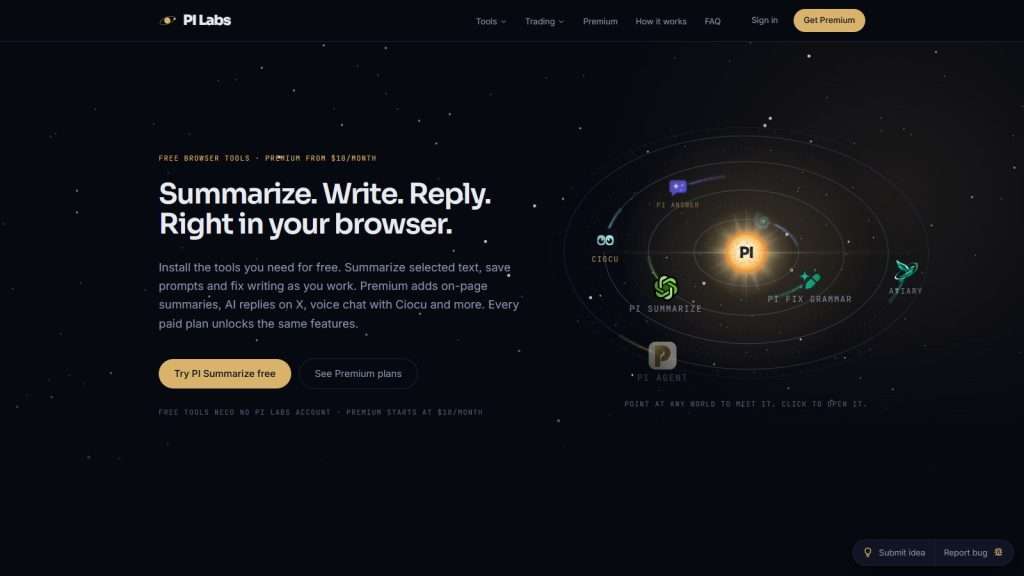
PI Labs makes a free Chrome extension called PI Fix Grammar that puts that on-device model to work. You type anywhere on the web as usual. A moment after you stop, a small button appears in the corner of the field. Tap it and the text comes back corrected, in place, in the same box. You can also select a single passage, right-click and fix only that, or press Alt+G. There is no account and no subscription.
For a working author, the useful places are the small, high-stakes pieces of writing that live in web forms:
- Query letters and emails to agents, editors and reviewers
- Your author newsletter, written in a browser-based editor
- Book descriptions and author bios on retailer and distributor dashboards
- Posts and replies on social media and reader communities
These are exactly the texts where a typo costs the most and where you least want to paste unpublished material into yet another app.
Keeping your voice
The common complaint about AI editing is that it flattens everything into the same polite, generic prose. A tool asked only to fix grammar is less tempted to rewrite, but you should still read what comes back. Fiction breaks rules on purpose: dialect, fragments, a character who never uses a comma. The simple habit is to select just the paragraph you want checked and leave dialogue and deliberate style alone.
The honest trade-offs
- Hardware. Chrome's built-in model needs a reasonably recent computer. On older machines it can be slow or unavailable. In that case the extension lets you add your own free API key from Groq, Google AI Studio or OpenRouter, but then your text does go to that provider, and free tiers generally allow the provider to use what you send. The on-device engine stays the private choice, and it is the default.
- Chrome only. It works in Chrome and Chromium-based browsers, not Safari or Firefox.
- Short pieces, not whole manuscripts. It works on the text in a field or a selection, so it suits letters, blurbs and posts better than a 90,000-word manuscript in one pass.
- Not an editor. It catches mechanics. Structure, pacing, continuity and whether the middle sags are still a job for you, your beta readers and a human editor.
A couple of related tools
The same developer makes a few other small, free browser tools that writers may find handy: PI Summarize, which turns any selected text into a summary (useful for research notes), and PI Prompts, a prompt library that sits inside ChatGPT, Claude and Gemini. You can find them all at pilabs.space.
None of this replaces careful rereading. But if you already use AI to tidy up your writing, it is worth knowing that the cleanup step no longer has to mean sending your words to someone else's server.

My profession is online marketing and software development (10+ years experience), a lot of AI related projects nowadays, check my latest works here. But my real passion is reading books both fiction and non-fiction. I have several favorite authors like James Redfield or Daniel Keyes. If I read a book I always want to find the best part of it, every book has its unique value.